

RE: iSLM DB 無法啟動(已確認無防火牆阻擋)
已確認防火牆沒有阻擋,DB 的 IP 相關設定也都正確,但啟動時仍然顯示 Database server was not started 該怎麼處理?
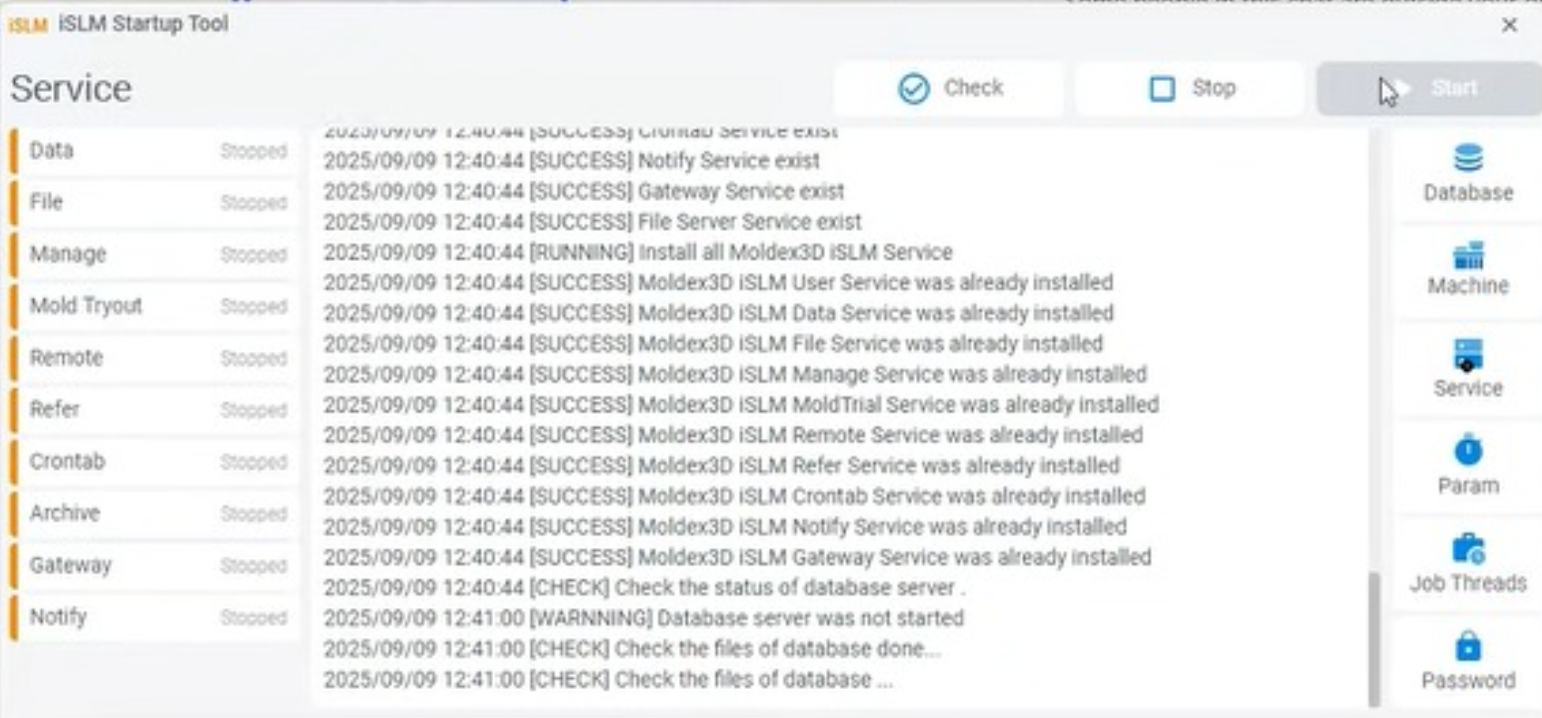

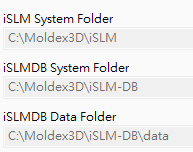
由於您將 iSLMDB 的資料資料夾直接設在 C 槽,而非預設的 C:\Moldex3D\iSLM-DB\data ,因此導致 C 槽出現許多不明檔案與資料夾,也可能因此誤刪部分資料庫檔案,造成 DB 無法啟動。
建議您重新安裝,並將 iSLMDB 的資料資料夾設定在 iSLMDB 系統資料夾下的 data 目錄,或設定到其他資料夾,但請勿設在 C:\。
即可正常啟動!
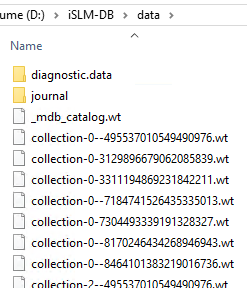
*注意: 以下圖示顯示了 iSLMDB 資料資料夾下應存在的檔案: